FinanceWorkPersonal
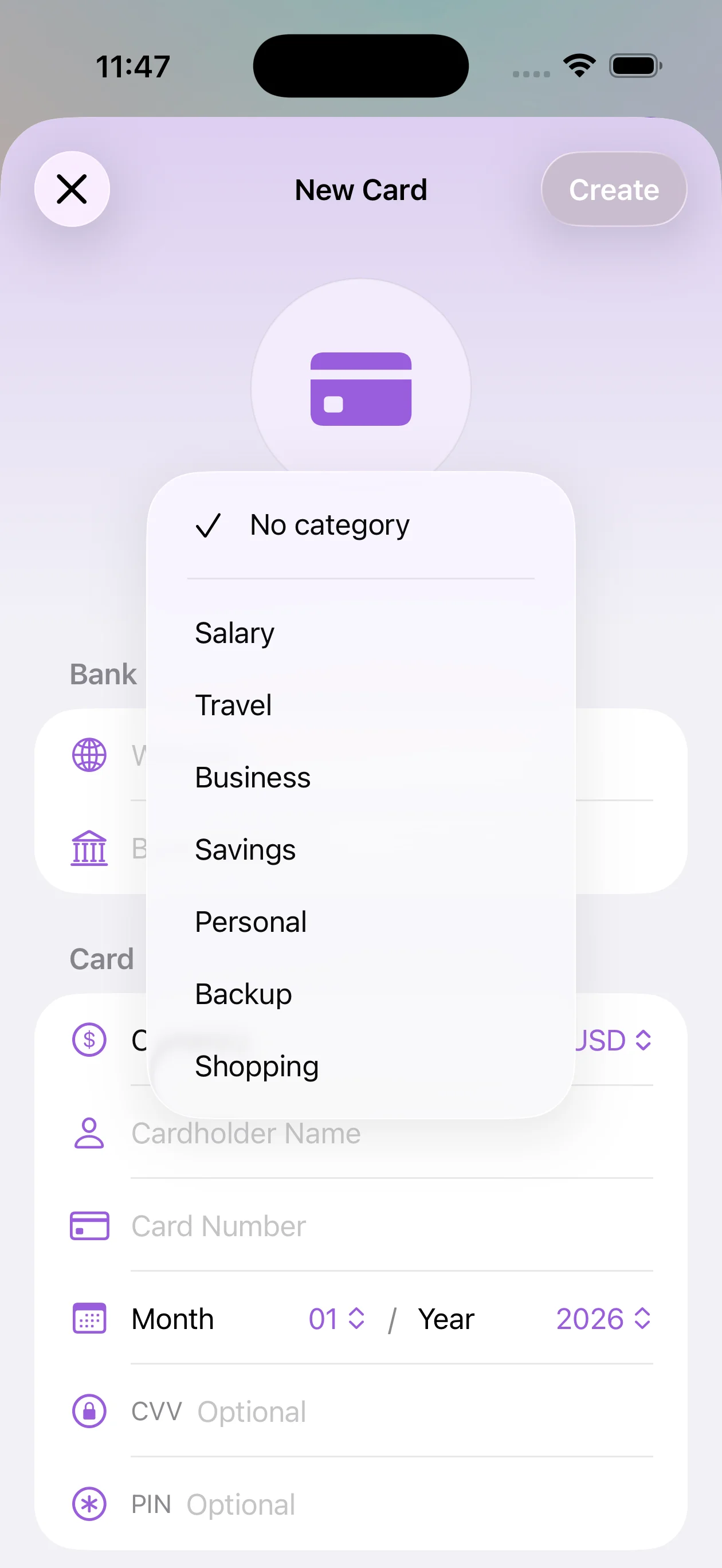
Categories
Organize your logins into categories to keep it easy to navigate.

Keep your logins, cards, and subscriptions securely
organized on your iPhone.

Everything you need, ready when you need it.
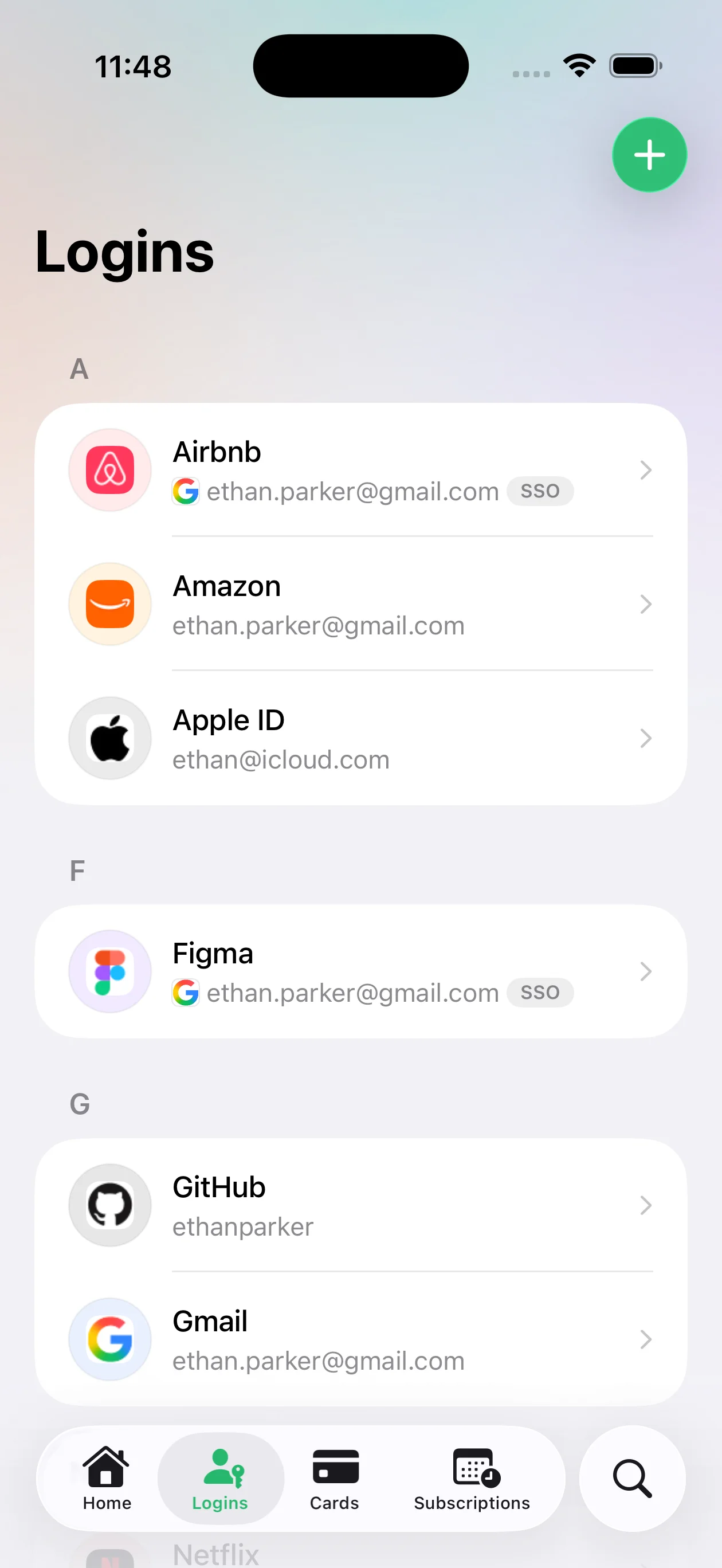
Organize your logins into categories to keep it easy to navigate.
Generate strong passwords when creating or editing your logins.


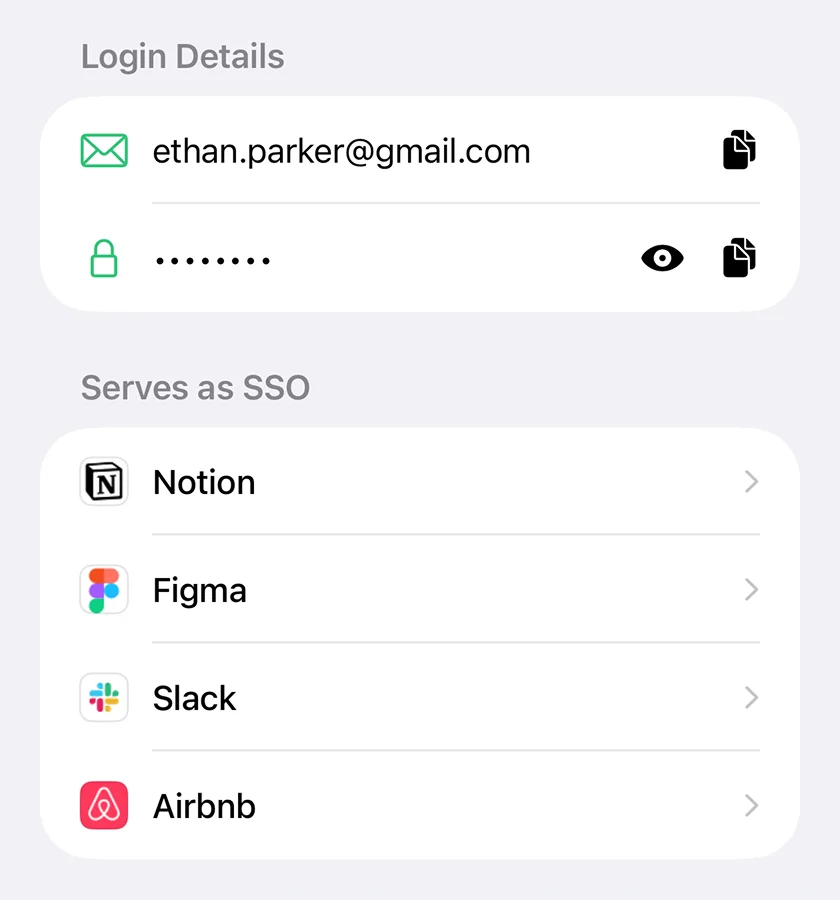
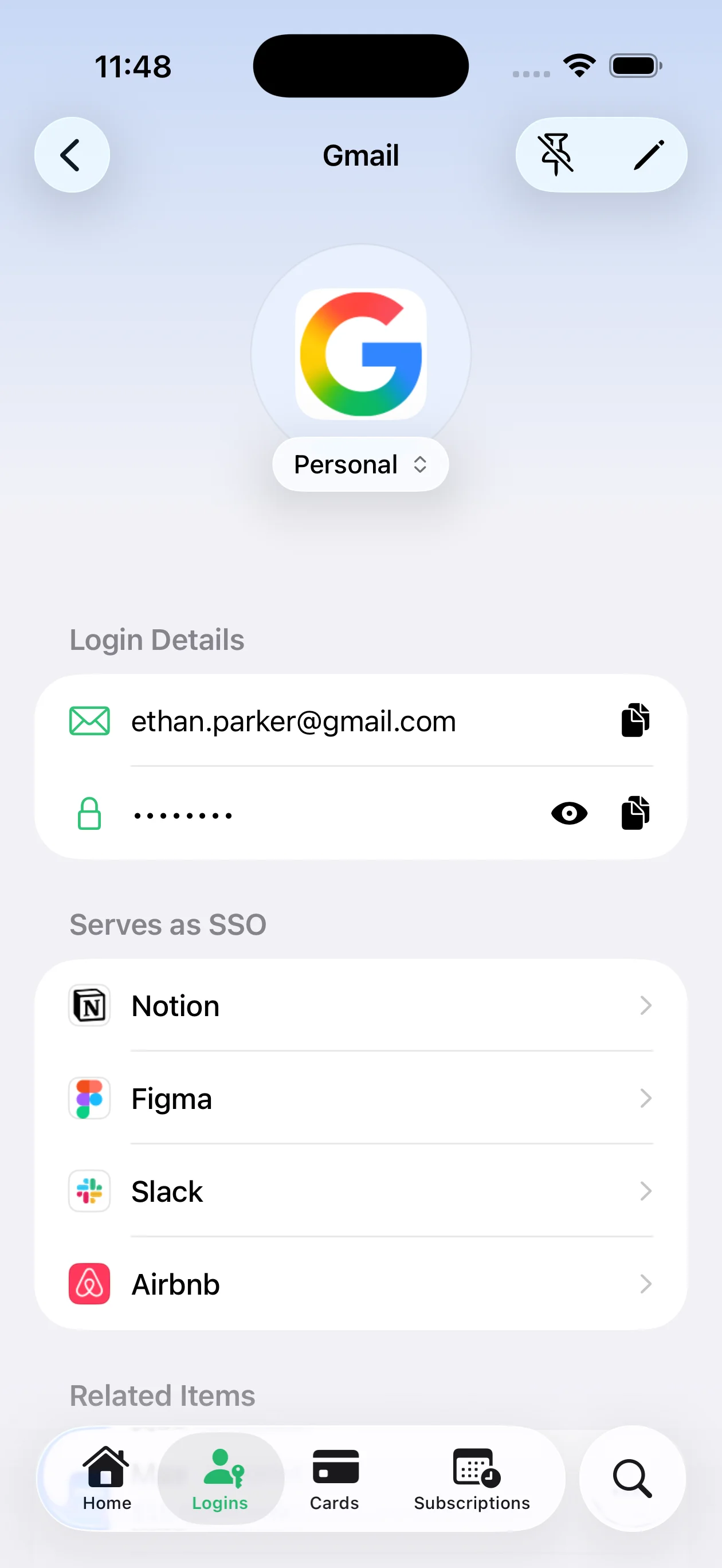
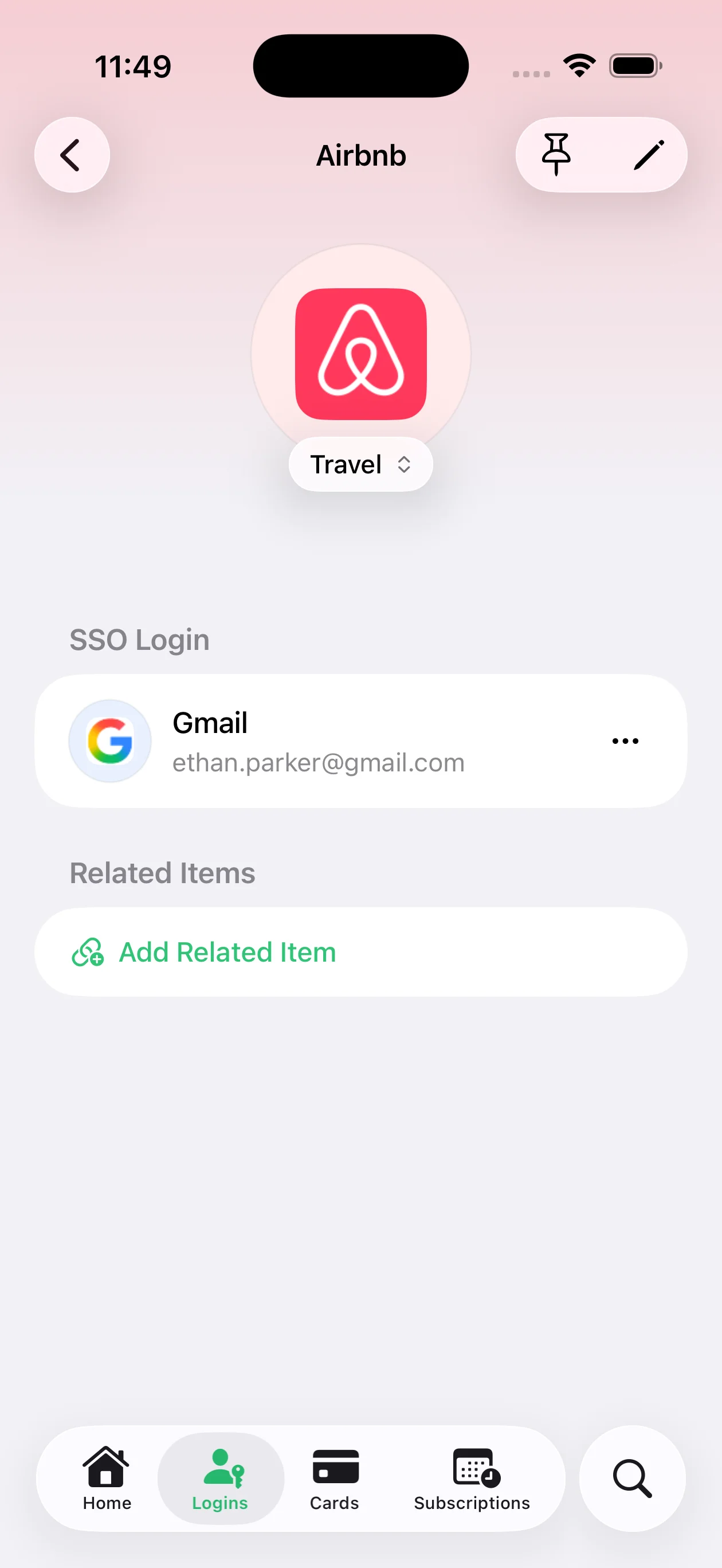
Create a login used for SSO and link it to the services that rely on it.
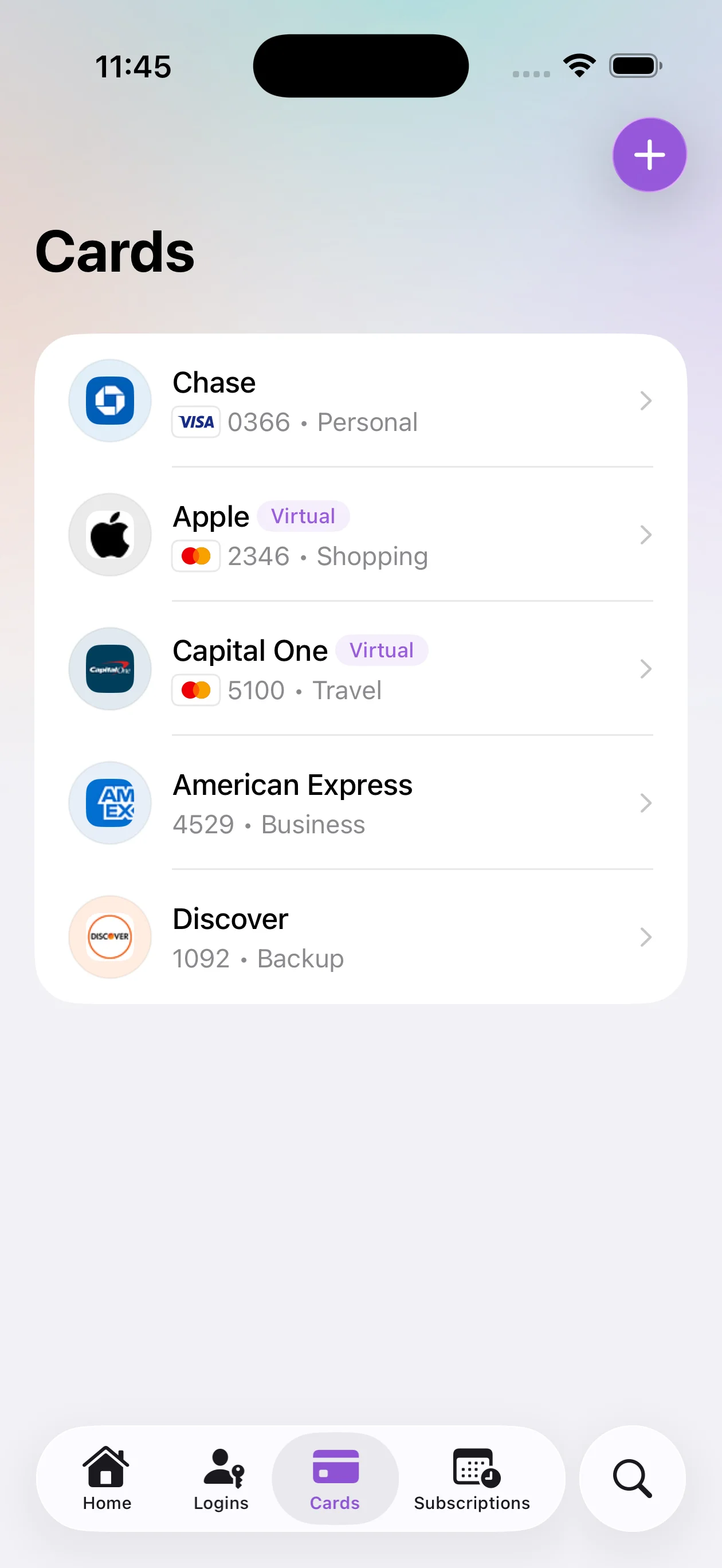
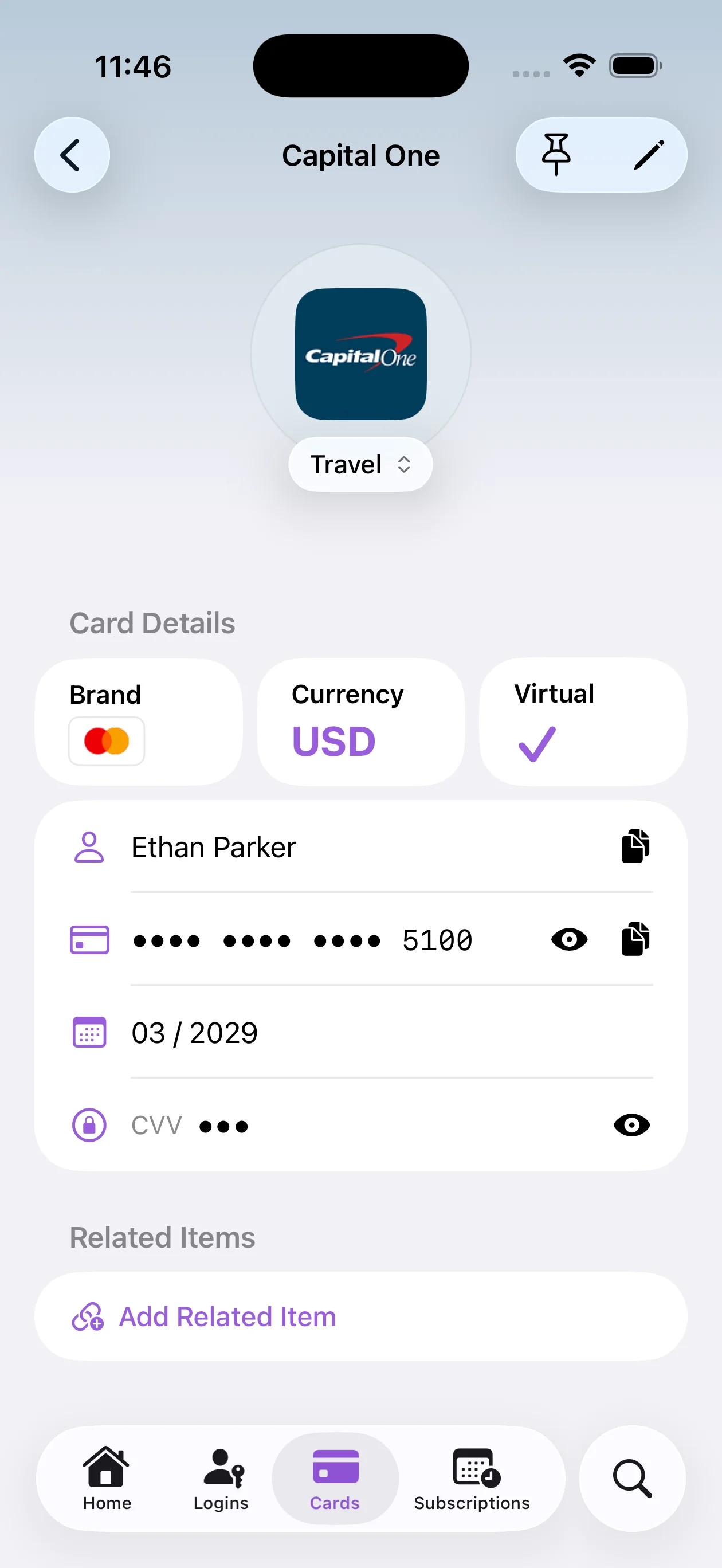
Store your card details, quickly copy and use them when needed.


The card brand is detected automatically from the card number.
 •••• 5678Virtual
Mark cards as virtual to distinguish them from physical ones.
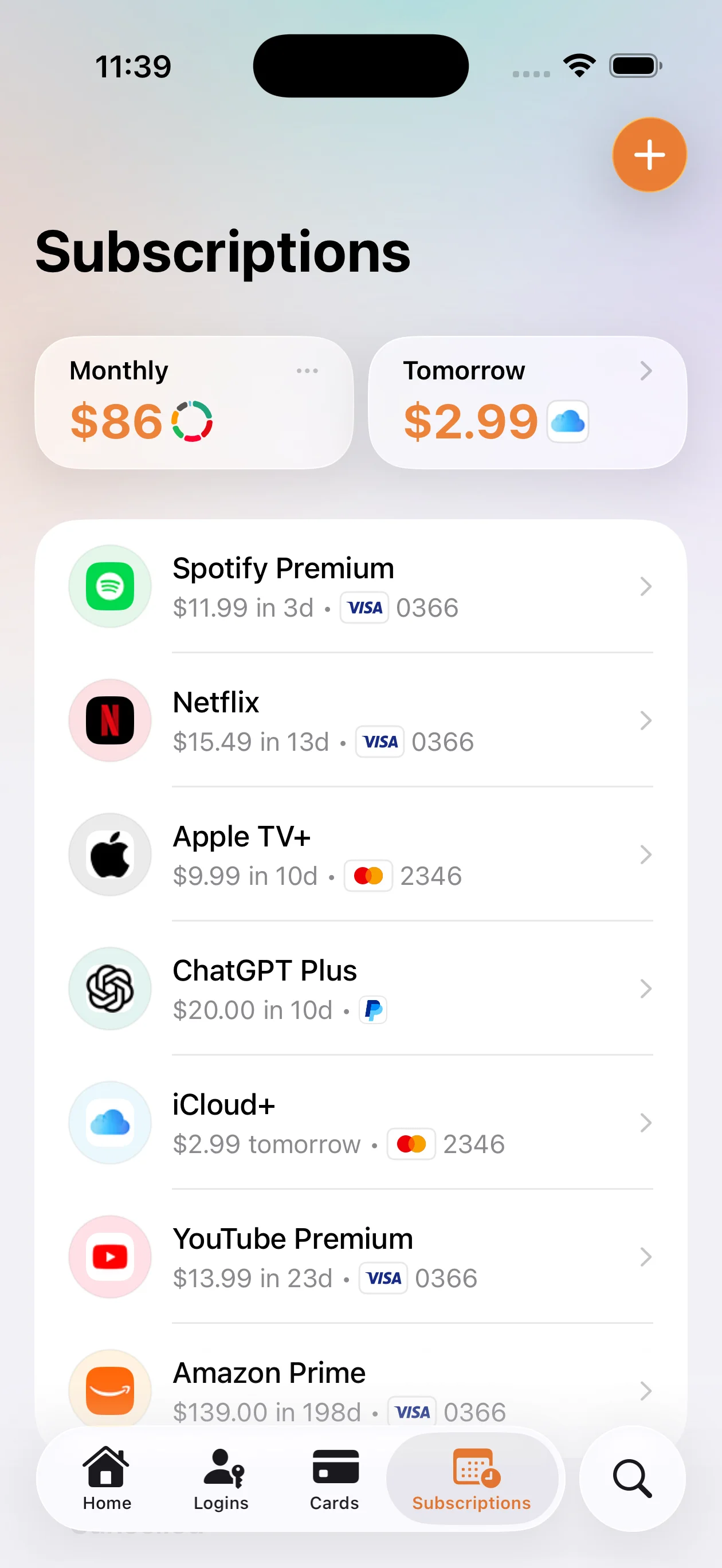
 In 2 days: $2.99
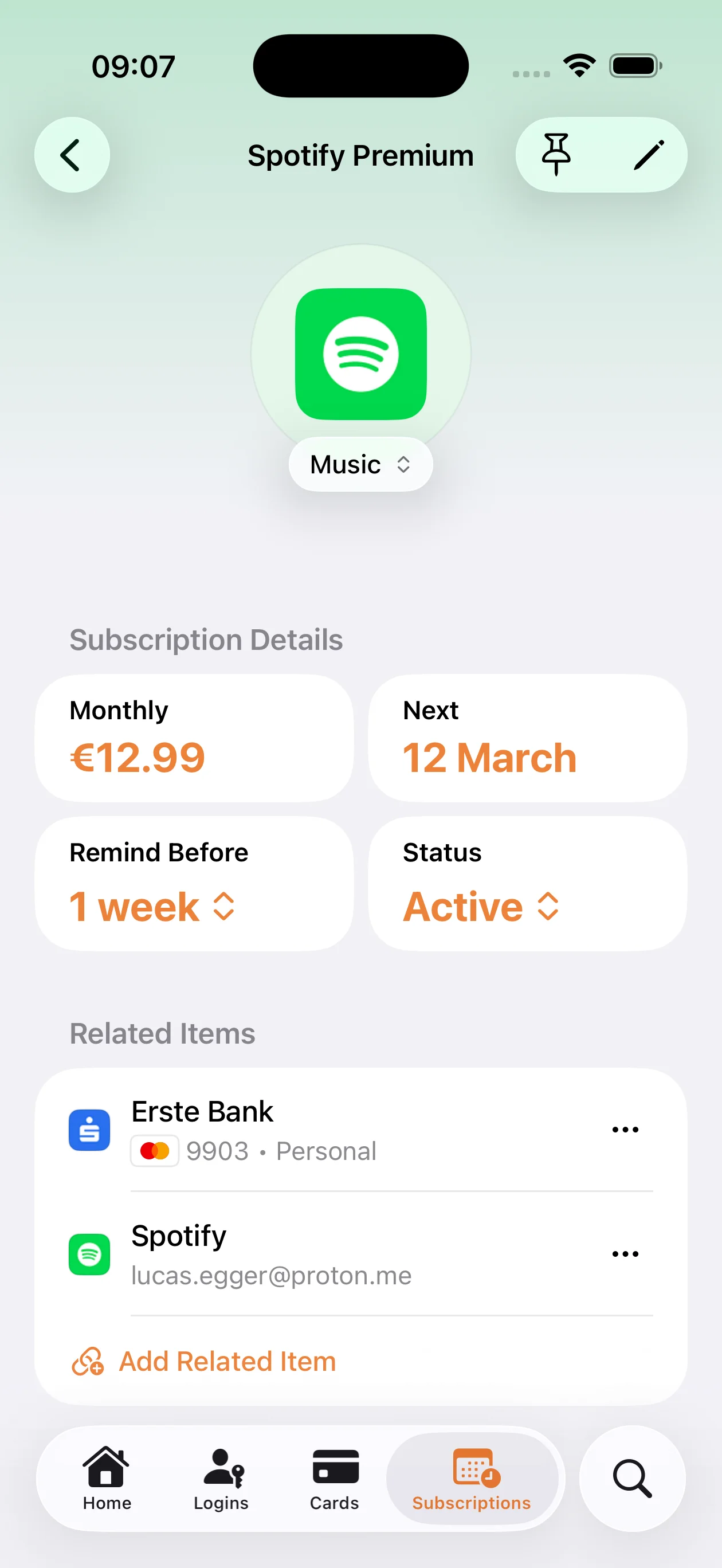
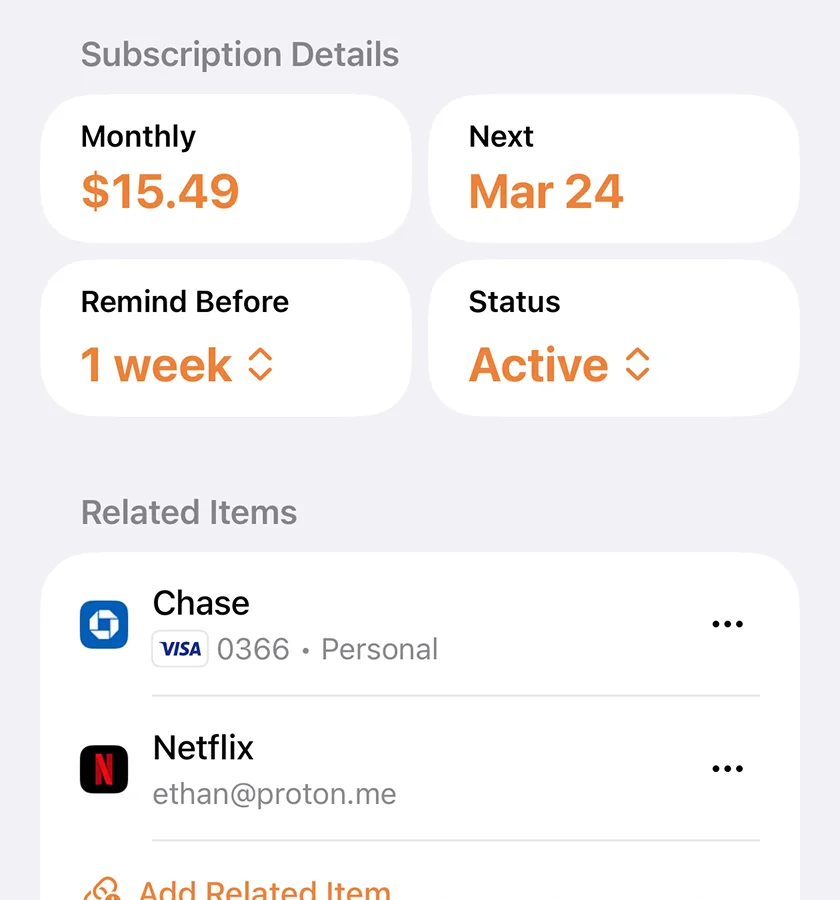
Quickly see which subscription will charge next and how much.
 Remind before: 1 week
Set a reminder before any renewal date and get notified on your device
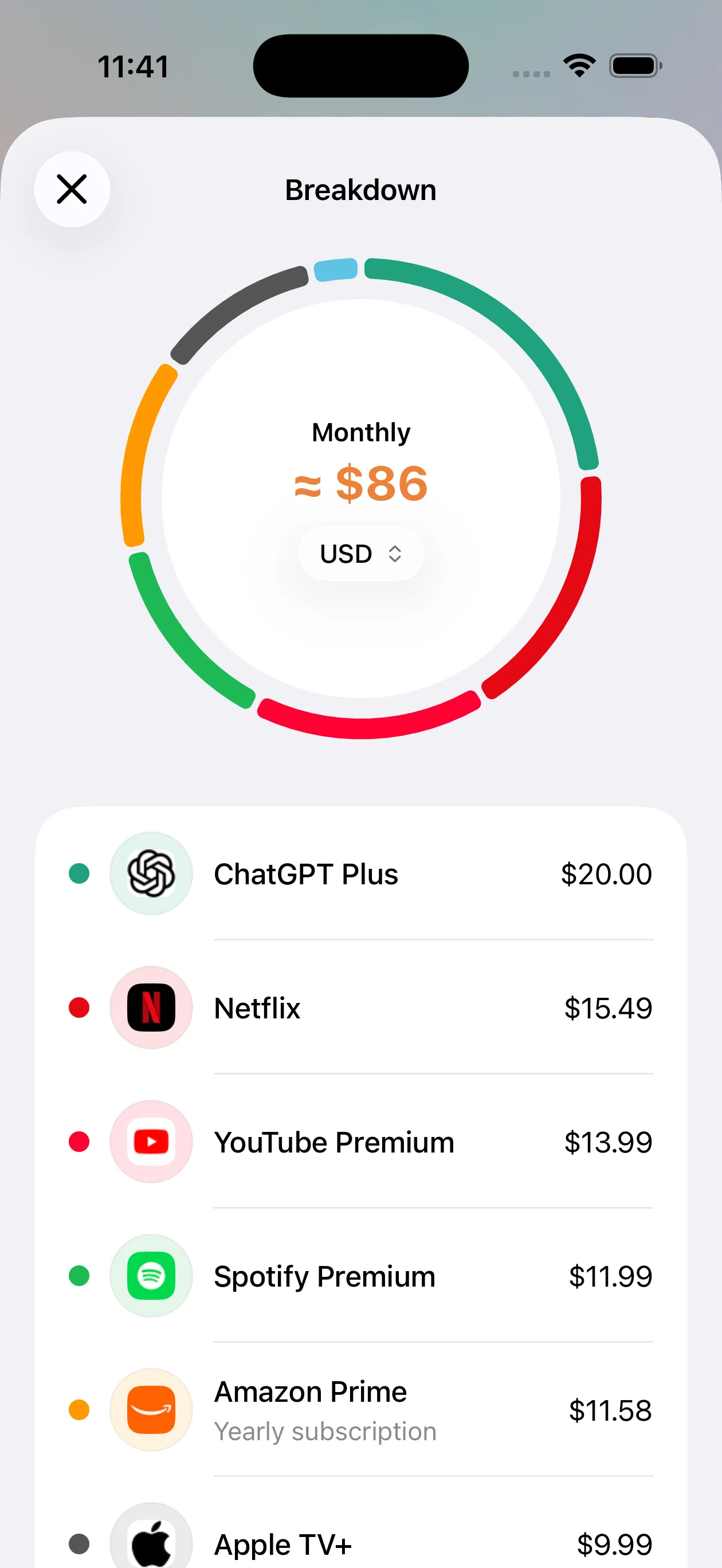
A visual breakdwon of all active subscriptions by monthly cost
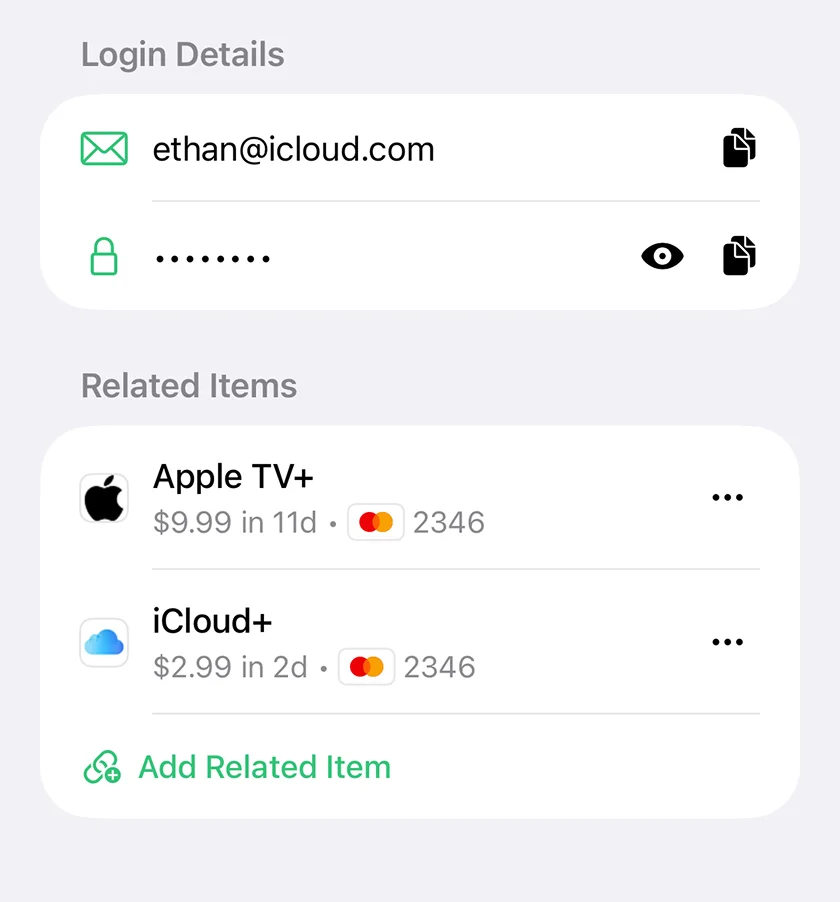
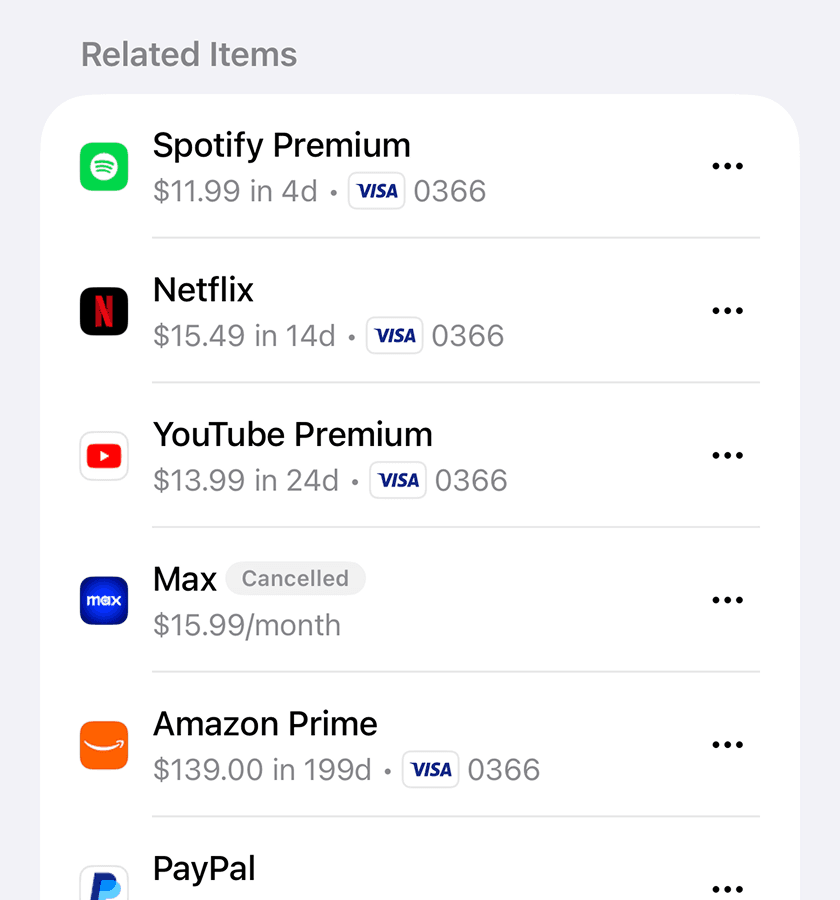
Connect your logins, cards, and subscriptions together so you always see the full context.
Everything stays on your device — protected with strong encryption and local authentication.
Your vault is protected with a PIN or Face ID and encrypted using strong, device-level security.
All data is stored locally and protected with strong encryption1. The encryption key is kept in the iOS Keychain and can only be accessed after authentication.
1 Uses industry-standard AES-256 encryption.
Switching to a new phone, or just reinstalling the app won't be an issue — create your vault's backup and store it wherever you trust.
It's protected with its own password, so only you can restore your vault.
After a fresh app install, import your backup and decrypt it with the password generated during backup creation. Then set up a new PIN code — and your vault is restored and ready to use.
Discover additional ways to manage and protect your vault.
Try all available features with a content limit, then go unlimited.
$0
Download for free on the
App Store
$8.99
Unlock with a one-time
in-app purchase